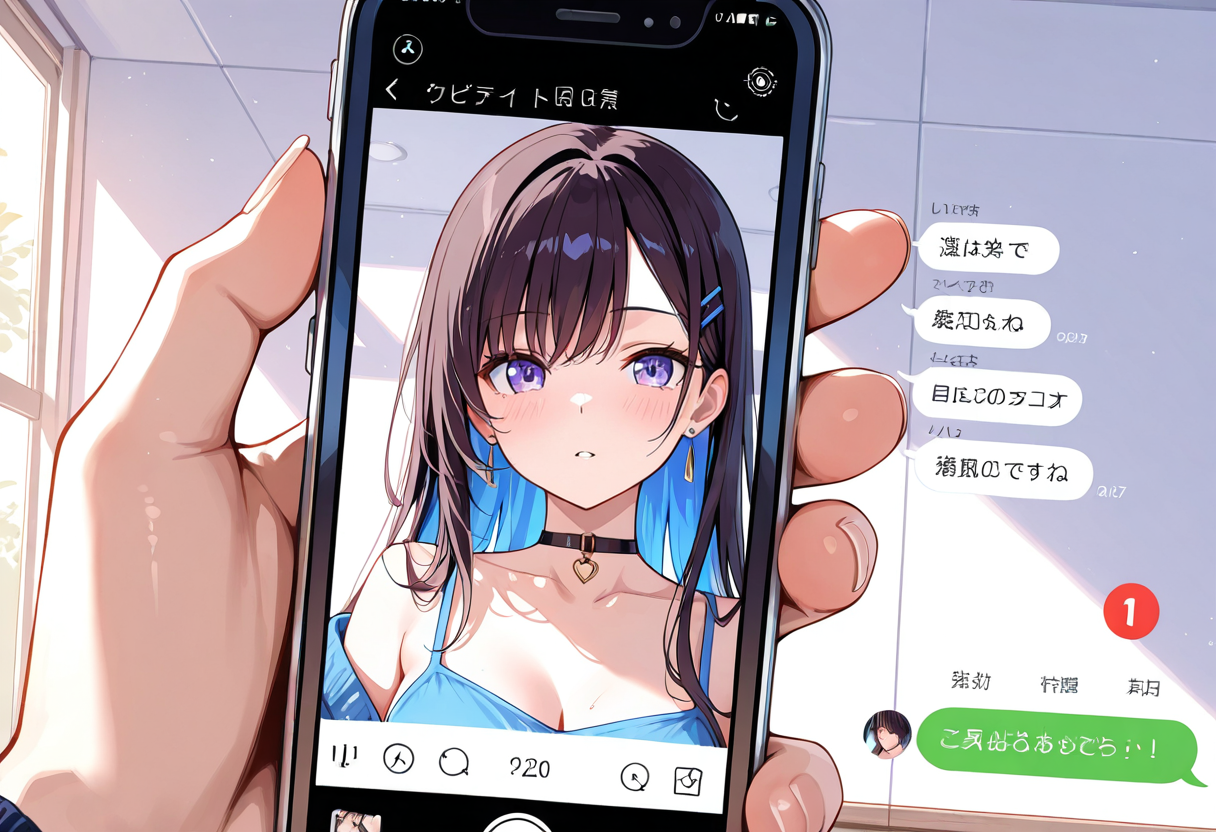
What Is AI Art and Why Use It for Social Media?
AI art is digital artwork created or enhanced using artificial intelligence tools, and it’s a game-changer for crafting eye-catching social media posts. With platforms like Instagram and TikTok prioritizing visually striking content, AI-generated art can help you stand out in crowded feeds without needing advanced design skills or expensive software. By leveraging AI, you can create unique images, surreal designs, or personalized visuals in minutes, making it perfect for influencers, brands, or anyone looking to boost engagement.
The appeal of AI art lies in its versatility. Whether you’re designing a futuristic landscape for a travel brand’s Instagram post or a quirky animated character for a TikTok trend, AI tools offer endless creative possibilities. Plus, AI art is often faster and more cost-effective than traditional methods, allowing you to keep up with the fast-paced nature of social media. At Cling AI, we provide intuitive tools to help you generate stunning visuals tailored to your needs, ensuring your posts resonate with your audience.
Benefits of AI Art for Social Media
Using AI art for social media comes with several key advantages. First, it saves time—generating a high-quality image with AI takes just a few clicks compared to hours of manual design work. Second, it offers customization; you can tweak styles, colors, and themes to match your brand or personal aesthetic. Third, AI art often incorporates trending styles automatically, keeping your content fresh and relevant. Finally, it’s accessible to everyone, regardless of artistic ability, democratizing creativity for small businesses and solo creators alike.
Steps to Create AI Art for Social Media with Cling AI
Creating AI art for social media is simple when you use the right tools, and Cling AI’s Image Generator is designed to make the process seamless. Follow these steps to craft stunning visuals that will captivate your followers on Instagram, TikTok, or any other platform.
Step 1: Define Your Vision and Platform Needs
Start by identifying the purpose of your social media post and the platform you’re targeting. Instagram posts often thrive with polished, high-resolution images, while TikTok favors dynamic, quirky visuals that pair well with short videos. Ask yourself: Are you promoting a product, sharing a personal story, or jumping on a viral trend? Having a clear goal will guide the style and tone of your AI art. For example, a pastel-colored dreamy landscape might work for an Instagram travel post, while a bold, cartoonish avatar could grab attention on TikTok.
Step 2: Choose the Right AI Tool and Settings
Next, head to Cling AI’s Image Generator to start creating. Our platform offers a variety of styles, from realistic to abstract, and customizable settings to match your vision. Input a detailed prompt—think of it as describing your idea to an artist. For instance, type “vibrant cyberpunk cityscape at night with neon lights for Instagram” to get a tailored result. Adjust parameters like aspect ratio (1:1 for Instagram posts, 9:16 for TikTok stories) to ensure your art fits the platform’s requirements.
Step 3: Experiment with Styles and Trends
One of the best parts of AI art is the ability to experiment. Social media trends evolve quickly, so don’t be afraid to try different aesthetics—think retro pixel art, hyper-realistic portraits, or minimalist designs. You can browse trending ideas on Cling AI’s Discover page to see what other creators are making and draw inspiration. If a particular style resonates with your audience, save your settings or prompts for consistent branding across future posts.
Step 4: Refine and Personalize Your Artwork
Once your AI-generated art is ready, take a moment to refine it. Cling AI allows you to tweak colors, add text overlays, or even integrate personal elements like a logo or watermark. If you’re creating content for a personal brand, consider using our FaceSwap tool to insert yourself or a team member into the artwork for a fun, relatable touch. Personalization helps build a connection with your audience, especially on platforms like Instagram where authenticity matters.
Step 5: Optimize for Posting and Engagement
Before sharing, ensure your image is optimized for the platform. Download the art in the highest resolution possible to avoid pixelation, and use editing tools to add hashtags, captions, or filters if needed. For TikTok, consider pairing your AI art with trending audio or transitions to increase visibility. Post at peak times for your audience, and encourage engagement by asking questions or prompting followers to share their thoughts on your unique visual content.
Tips for Making AI Art Stand Out on Social Media
Making AI art stand out on social media requires a mix of creativity and strategy. While the tools at Cling AI simplify the creation process, how you present and promote your art can make all the difference in capturing attention.
Align with Trending Themes and Hashtags
Tap into trending themes by researching popular hashtags and challenges on Instagram and TikTok. For instance, if #CyberpunkAesthetic is trending, create AI art with futuristic vibes and tag it accordingly. This increases the chances of your post being discovered by users browsing those trends. Check out the latest community creations on Cling AI’s Discover page for real-time inspiration on what’s hot.
Use Consistent Branding
Consistency builds recognition. Use similar color palettes, fonts, or art styles across your posts to create a cohesive feed. If you’re a business, incorporate your logo or brand elements into the AI art. This not only reinforces your identity but also makes your content instantly recognizable to followers scrolling through their feeds.
Engage Your Audience with Interactive Content
AI art can be more than just a pretty picture—use it to spark interaction. Create polls asking followers which of two AI-generated designs they prefer, or design a “dream destination” image and ask them to comment on where they’d love to travel. Interactive posts often see higher engagement rates, helping your content reach more people through platform algorithms.
Test and Analyze Performance
Finally, track how your AI art performs. Use platform analytics to see which styles or themes get the most likes, shares, or comments. If a neon-drenched portrait gets triple the engagement of a minimalist design, lean into that style for future posts. Experimentation backed by data ensures you’re always improving your social media game.
FAQs About Creating AI Art for Social Media
What kind of AI art works best for Instagram?
Instagram favors visually stunning, high-quality images with vibrant colors or unique compositions. AI art styles like hyper-realistic portraits, dreamy landscapes, or minimalist designs often perform well, especially when paired with cohesive branding and relevant hashtags.
Can I use AI art for TikTok videos?
Absolutely! AI art can be a static background or a dynamic element in TikTok videos. Use tools like Cling AI’s Image Generator to create quirky characters or trendy visuals, then animate them with TikTok’s built-in effects or transitions for maximum impact.
Do I need design skills to create AI art for social media?
No design skills are required. Platforms like Cling AI make it easy for anyone to generate professional-quality art by simply entering a text prompt and adjusting a few settings. It’s beginner-friendly and highly customizable.
How can I make my AI art unique to my brand?
To make AI art unique, incorporate brand elements like logos, specific color schemes, or recurring themes. Use personalization tools such as Cling AI’s FaceSwap to add a personal touch, and maintain consistency across posts to build a recognizable aesthetic. Creating Consistent AI Character Designs Creating AI Art in Different Styles: From Anime to Oil Painting DALL-E vs Stable Diffusion: Complete Comparison Guide for AI Image Generation in 2026 AI Art Trends to Watch in 2026 How to Create Stunning Anime Images with AI in 2026