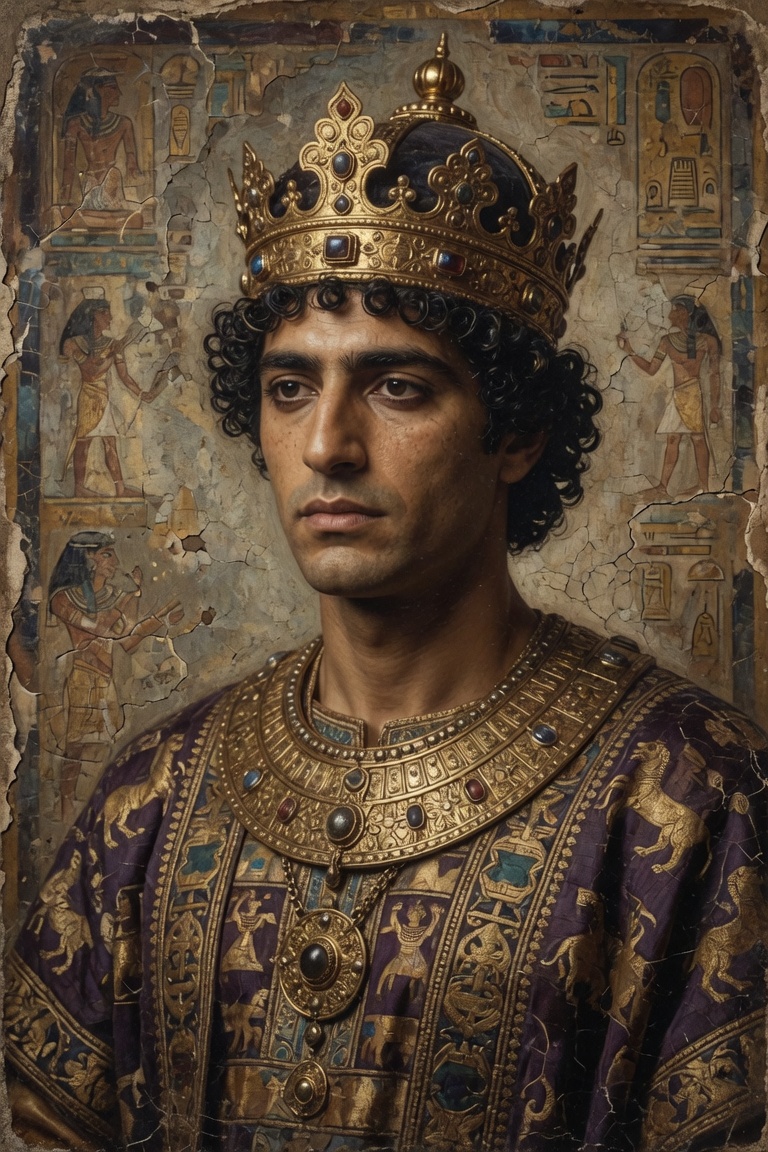
Ancient Royal
AI Face Swap
imagefaceSwap
How to Use This Template
- Open Cling AI - Launch the app and find this template in the AI Face Swap section.
- Upload Your Media - Select a photo or video as required for this template type.
- Generate - Click the Generate button and wait for the AI to process your content.
- Download & Share - Save your creation or share directly to social media.
Templates
Diverse creative templates